 WDC Pos
 Sales Hub
 Product Hub
 Inventory Management
 Whatsapp Marketing
 Marketing Automation
 Browser Notification
 Email Marketing
 Fusion Mail
 SMS Marketing
 Fusion SMS
POS Loyalty System: Turning Checkout into Repeat Purchase
See how a POS loyalty system can turn everyday checkout into repeat purchase with points, customer recognition and smarter in-store offers.
POS loyalty system matters because the checkout counter sits at the point where sales, payment, customer identity and store operations meet. A POS system that only records transactions leaves too much work outside the flow. Store teams still need fast product entry, flexible payments, loyalty support, cash controls, reporting and a way to turn customer context into better recommendations.
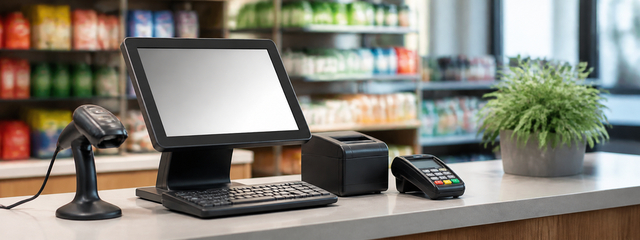
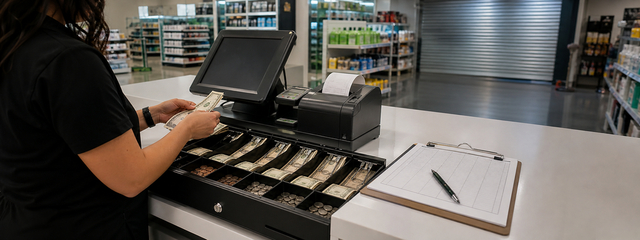
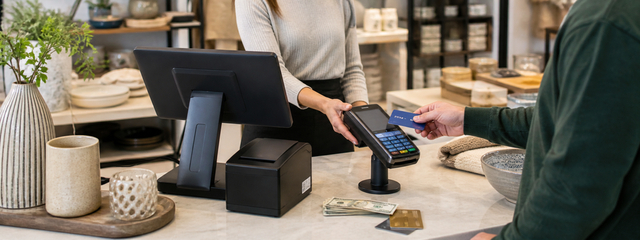
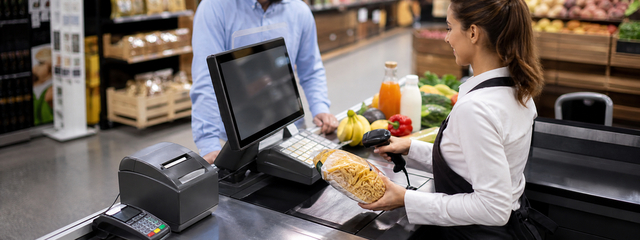
WDC POS is built for retail businesses that need speed and control in the same system. The service supports fast checkout, barcode scanning, loyalty points, gift cards, payment integrations, Mix Payment, sales reports, cashier performance views, cash register controls, a customer-facing second screen and AI-powered Hot Deals recommendations. For multi-store brands, the central structure helps teams manage sales operations across locations with less manual follow-up.
Loyalty works best when it appears inside the sale
Customers do not want loyalty to feel separate from shopping. They want to earn points, use available value and understand the benefit while they are already at checkout.
WDC POS includes a loyalty system for registered customers, letting them earn points from eligible purchases and use available points in later transactions.
Practical use cases
- earn points at checkout: connect this use case to a clear store outcome before rolling it into every branch.
- redeem points in store: connect this use case to a clear store outcome before rolling it into every branch.
- registered customer recognition: connect this use case to a clear store outcome before rolling it into every branch.
- retention campaigns: connect this use case to a clear store outcome before rolling it into every branch.
A POS project becomes easier when teams separate the daily checkout job from the management job. Cashiers need a fast and simple screen. Store managers need control over the register. Finance teams need clean payment and cash data. Marketing teams need customer and loyalty signals. Head office needs reporting that can compare locations without asking every store for manual updates.
That is why POS loyalty system should be evaluated as a retail operating layer, not as a payment terminal alone. The best system reduces friction at the counter while giving the business cleaner information after the sale. If the front-line team saves seconds on every basket and the manager can read the day faster, the POS starts affecting both customer experience and operational cost.
What to check before choosing a POS
| Decision area | What to look for | Why it matters |
|---|---|---|
| Checkout speed | Barcode support, product shortcuts, simple cart flow | Shorter queues and easier cashier training |
| Payments | Card infrastructure, split payment, supported manual entry | Fewer blocked transactions at the counter |
| Customer value | Loyalty, gift cards, coupons, product recommendations | More reasons for the customer to return |
| Control | Cash register checks, reports, cashier performance | Better daily accountability across stores |
How WDC POS supports checkout growth
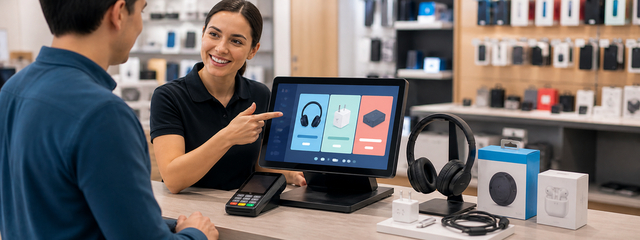
WDC POS connects operational speed with revenue opportunities at the same moment. A cashier can scan products and complete the basket, while the system can support loyalty points, gift card activity and Hot Deals recommendations before payment. This matters because checkout growth does not always come from a large campaign. It can come from small, relevant actions that happen while the customer is already buying.
The customer-facing second screen and receipt-end promotions extend that moment. The second screen can show transaction information during checkout, while receipt coupons or promotional content can invite the customer back after the sale. Used with care, these touchpoints make the POS part of customer experience rather than only the place where payment happens.

Reporting turns store activity into decisions
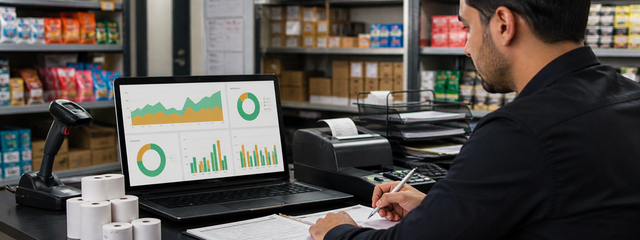
Retail managers need reports that explain the day without creating another reporting job. WDC POS includes sales reporting, cashier performance reporting and cash register controls at the start and end of the business day. Those views help teams see what was sold, how registers performed, where cash differences need review and which stores may need process support.
For multi-store teams, central reporting prevents the business from managing each branch through separate files and messages. A consistent POS structure makes it easier to compare locations, review daily activity and understand how checkout changes affect customer flow.
Questions to ask your store team
Before changing a POS system, talk to the people who use the register every day. Ask cashiers which products slow them down, which payment cases create the most confusion and which customer questions appear during loyalty or gift card moments. Ask store managers where they lose time at opening, closing and daily reporting. Those answers often show which POS features will create value first.
The finance team should join the same discussion. Payment routing, cash differences, refunds, manual card entry and split payments affect the way the day is reconciled. A POS decision made only around front-counter speed can miss important back-office requirements. A decision made only around reporting can make the cashier screen too heavy. The right evaluation covers both sides.
How to measure whether the POS change worked
Use a small set of measurements before and after rollout. Track average checkout time, number of manual corrections, payment exceptions, daily cash differences, cashier training time, loyalty usage and gift card activity. For recommendation features, compare how often suggested products are accepted and whether they improve basket value without slowing checkout.
The goal is not to prove that every feature changed the business overnight. The goal is to understand which parts of the retail workflow became easier, faster or more measurable. If cashiers move with more confidence and managers get cleaner reports, the POS is already reducing hidden operational cost.
How payments, loyalty and recommendations should work together
The checkout experience feels smooth when payment, loyalty and product suggestions do not compete for the cashier's attention. The cashier should be able to identify the customer, scan the basket, apply available loyalty value, handle the payment method and finish the receipt without jumping between disconnected tools. If a product recommendation appears, it should fit the moment and remain easy to accept or ignore.
WDC POS is useful here because several checkout decisions live inside the same retail environment. Loyalty points can support repeat purchase. Gift cards can create prepaid value. Mix Payment can help complete a sale when the customer wants to use more than one payment method. Hot Deals can surface a relevant suggestion before payment. Receipt-end coupons can invite the next visit. Each feature has its own job, but together they make the counter more commercial without making it chaotic.
For store teams, the practical rule is simple: protect speed first, then add value. A feature that slows every transaction will face resistance even if it looks good in a meeting. A feature that appears at the right moment and takes one clear action can become part of the cashier habit. That is why rollout should start with a small number of scenarios and expand only after the team sees that the flow works on a busy day.
Roles that should own the POS workflow
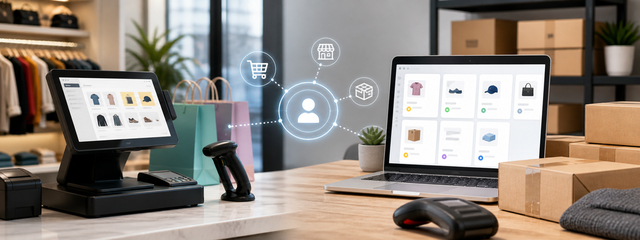
A POS system touches more teams than it may seem at first. Store operations owns the cashier flow, queue discipline and branch adoption. Finance owns payment reliability, cash reconciliation and daily control. Marketing owns loyalty, coupons, gift cards and recommendation logic. E-commerce owns the connection between store customers and online accounts. When those owners agree on the workflow, the POS setup becomes easier to maintain.
Ownership also prevents small problems from staying invisible. If cashier performance reports show a training gap, store operations can act. If cash controls show repeated differences, finance can investigate. If receipt coupons do not create return visits, marketing can change the offer. If new store customers do not continue online, the e-commerce team can review the handoff. A modern POS gives each team cleaner signals, but each team still needs to use those signals.

A simple rollout plan
Start with the branch where the checkout process is easy to observe. Map the current cart flow, payment methods, cash controls and reporting needs. Then test the POS workflow with a narrow set of product categories, cashier roles and payment scenarios. The team should check whether cashiers can scan products quickly, handle exceptions and explain loyalty or gift card value without slowing the line.
After the first branch works cleanly, expand to additional locations with the same operating checklist. Keep training material short and specific: product scan, customer lookup, payment, receipt, cash control and report review. Once the basics are stable, add Hot Deals, receipt coupons, second-screen communication and e-commerce continuity in a controlled way.
FAQ
Is WDC POS suitable for multi-store retail?
Yes. WDC POS is designed to support multi-store retail businesses and centralized sales management.
Does WDC POS support loyalty and gift cards?
Yes. WDC POS includes loyalty point capabilities for registered customers and supports gift card sales through retail operations.
Can WDC POS support different payment scenarios?
Yes. The service integrates with 15 credit card infrastructures and supports Mix Payment for split payments.
Does WDC POS include reporting?
Yes. WDC POS provides sales reports, cashier performance reporting and start-of-day and end-of-day cash controls.